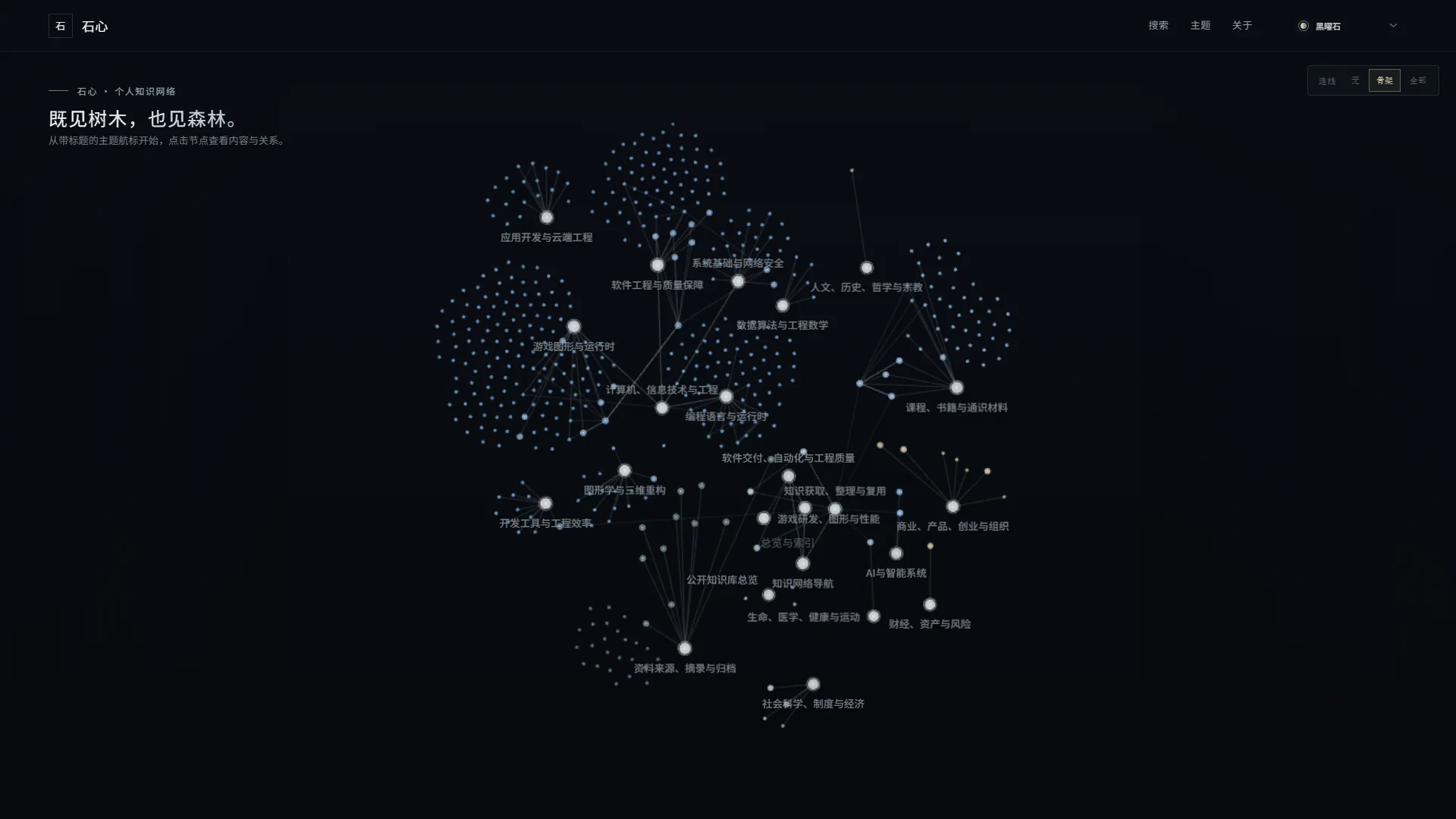
It is not decoration. Atlas places published topics, articles, and real relationships in one view, so you can begin with the whole and follow a connection into the writing.
See the forest before the trees
Notice the clusters, bridges, and gaps that have formed over time before choosing an article to read.
Every node maps to a public topic or note.
Relationships come from links and semantic structure.
Node size and position follow the structure of the content.
Find context through connections
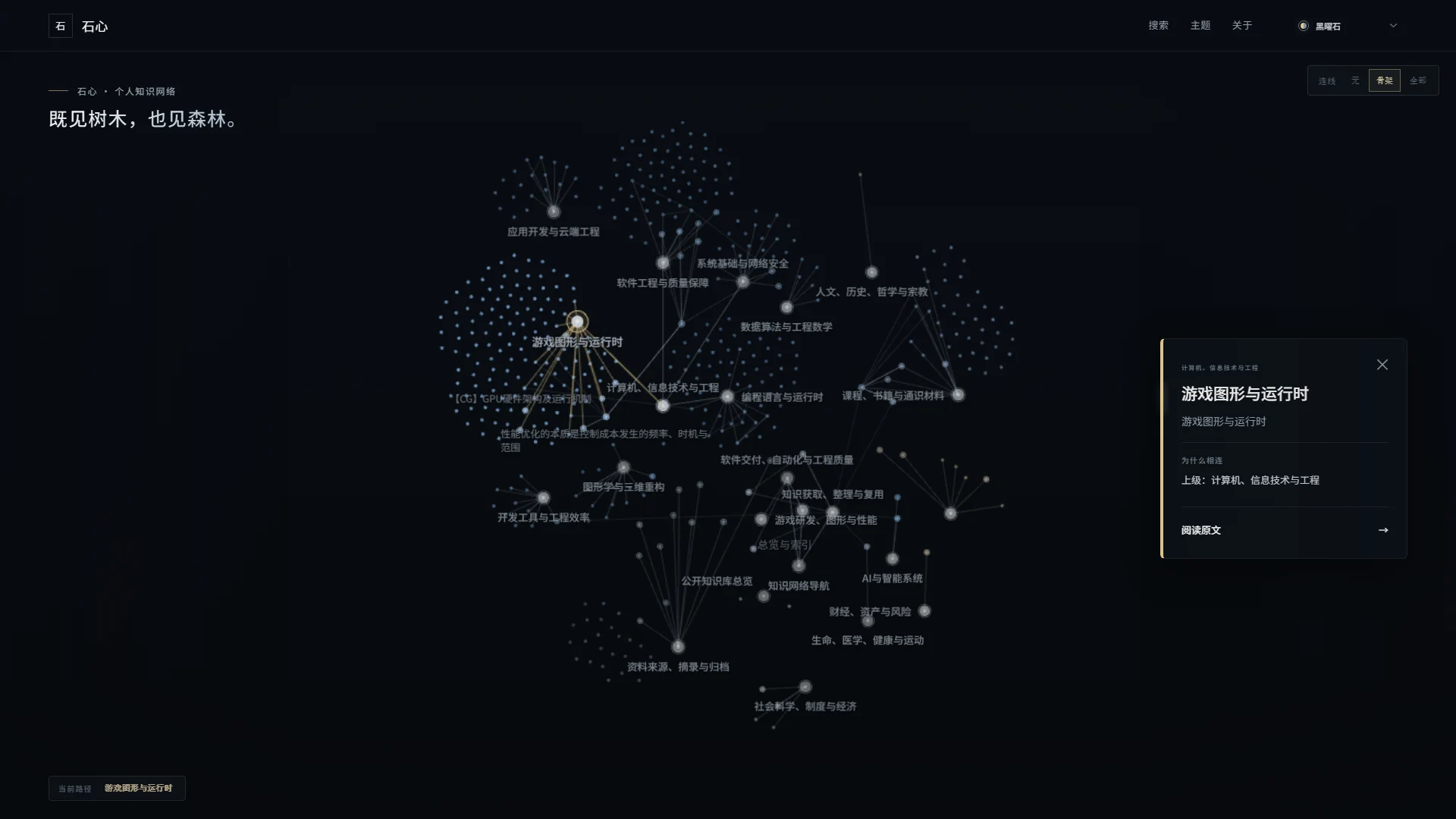
Hover or select a node to reveal nearby material without turning the whole network into a tangle of lines.
Come back after reading
Every article links back to its topic and place in the atlas. Ordinary links still work when you prefer a simpler route.
Two ways to browse
Network overview See how topics gather, separate, and relate across the whole collection. Captured from pystone.net. Selected node Focus on one article without losing the material around it. Captured from pystone.net.
You set the public boundary
Only material you choose to publish appears on the map. Private notes stay in your own vault.
Pick a node and look around
Open pystone.net, get the lay of the land, and follow a connection into something interesting.